Skill Assignment
Access Assign Skills
To access from the Button Bar, go to Groups/Skills > Assign Skills.

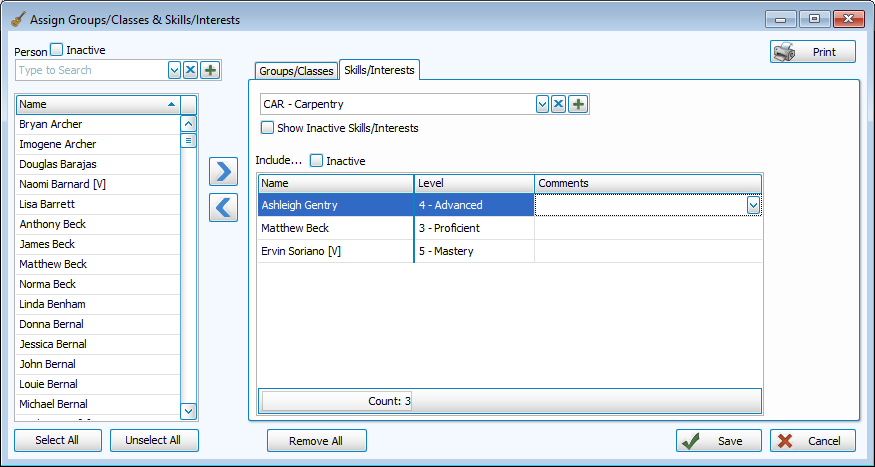
Assign Skills
From the Assign Window
-
Select the Skill or Interest you want to assign to.
-
On the left side, search for people in the person drop down or select from the alphabetized list.
Click to choose everyone and
  to clear selections.
If selecting from the list, CTRL + Click allows you to select multiple people and SHIFT + Click selects a range.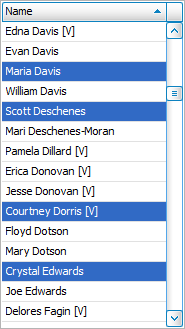
-
Use the

 buttons to move people into or out of the group or double-click their name on the left.
 -
Click
 to finish.
From the Individual Record

-
Navigate to the person you want to add in People.
-
Click the Groups/Classes tab on the right side.
-
To assign multiple skills, click
 and check boxes of desired skills.
To assign to individual skills, click the top of the grid and select a skill from the drop down on the left.
-
You also have to option to add applicable level and comments.
-
Click
 to finish.
From the Find Grid
-
Query the Find Grid and select people to add to a skill or interest.
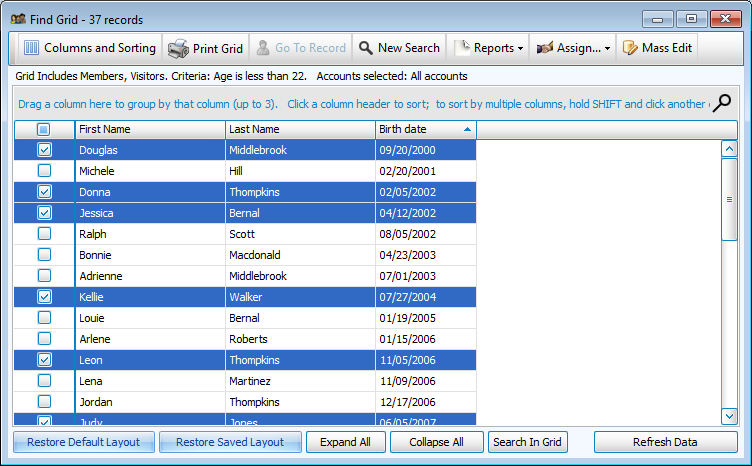
-
Click
 .
. -
Select the skill or interest you wish to add selections to.

-
Click
and  to tag selections from the grid with the that skill.
 -
Click
.